The same files
A vault is a folder of .md files with wiki-links and frontmatter. Point Voidless at an existing vault and keep using Obsidian on your phone — nothing is converted, nothing is locked.
Tables that roll up into databases, diagrams, spreadsheets, flashcards and reminders
that ring on your phone — with no plugins to hunt down and nothing to subscribe to.
Every note stays a plain .md file in a folder you own.
macOS + Windows · free · no account · works offline
The build isn't code-signed yet, so the first launch needs one extra click — here's how.
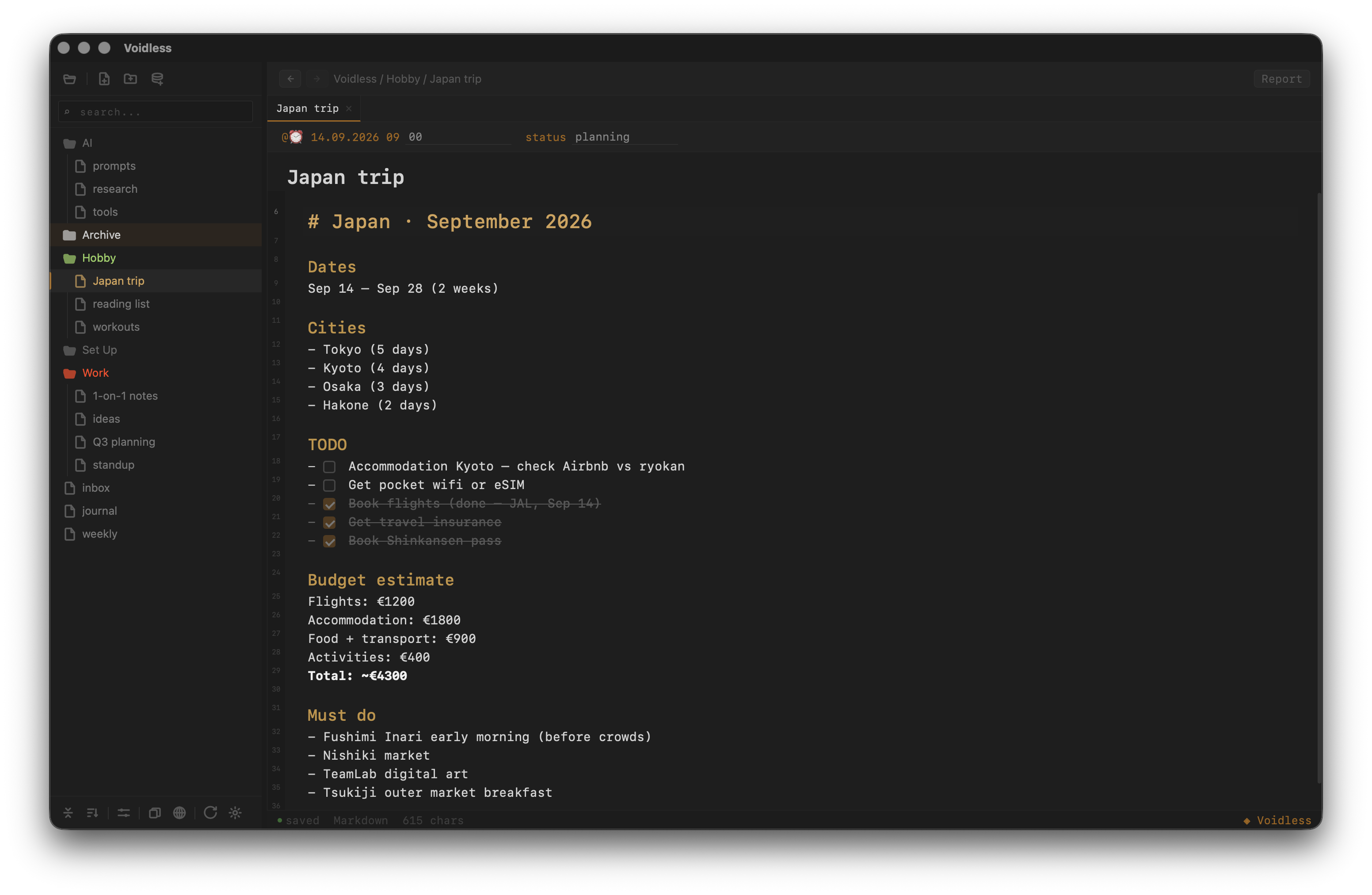
Markdown renders inline as you type — no split pane, no separate preview window.
Interactive tables in the editor. A folder of notes rolls up into a sortable table or a kanban board.
Excalidraw diagrams, spreadsheets and an Anki flashcard trainer live inside your notes.
Your own Drive, your own account. Moves and conflicts are detected, not duplicated.
Plain .md files in a folder on your disk. Works offline, nothing to lock you in.
A reminder written in a note rings on your phone through your own Google calendar — even with the editor closed.
Deletes go to a trash folder, edits from two machines are detected instead of overwritten, and conflicts open side by side to merge.
MIT + Commons Clause. No subscription, no sign-up, no telemetry.
A vault is a folder of .md files with wiki-links and frontmatter. Point Voidless at an existing vault and keep using Obsidian on your phone — nothing is converted, nothing is locked.
Databases over folders, drawings, spreadsheets, flashcards with spaced repetition and Drive sync ship with the editor. No plugin hunting, no sync subscription.
No plugin ecosystem and no mobile app of our own — the vault is plain files, so any editor opens it. Voidless is younger and moves faster; the file format never does.
Questions, bugs or feedback — reach out.
The build isn't code-signed yet — Apple/Windows signing is in progress. Until then, the OS may block the first launch. Here's how to allow it: